
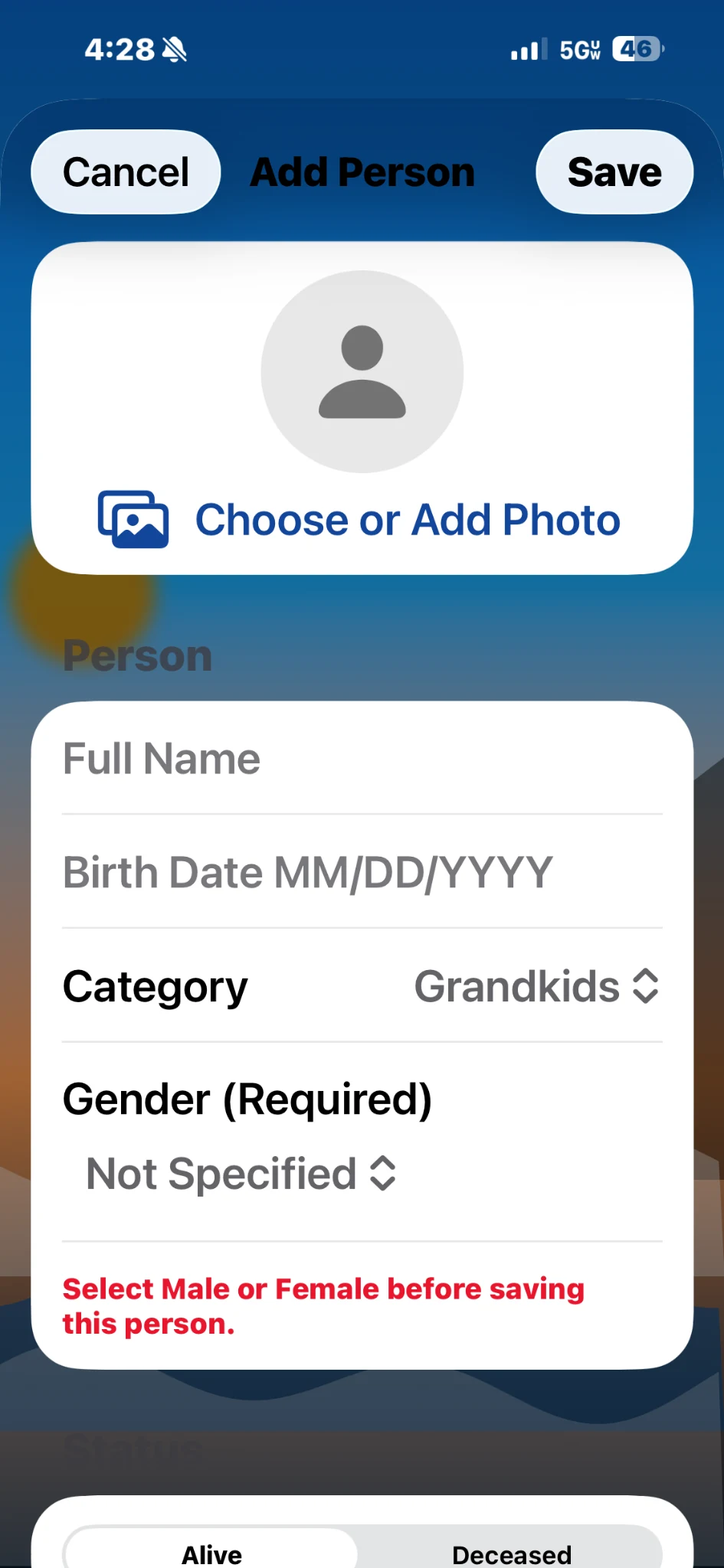
Add a family member
Choose a photo, enter their name and birth date, then select the relationship that connects them to your family.
SUPPORT
Find quick instructions, solve common problems, or send a message directly to Across the Ages support.
QUICK HELP
Choose a photo, enter their name and birth date, then select the relationship that connects them to your family.
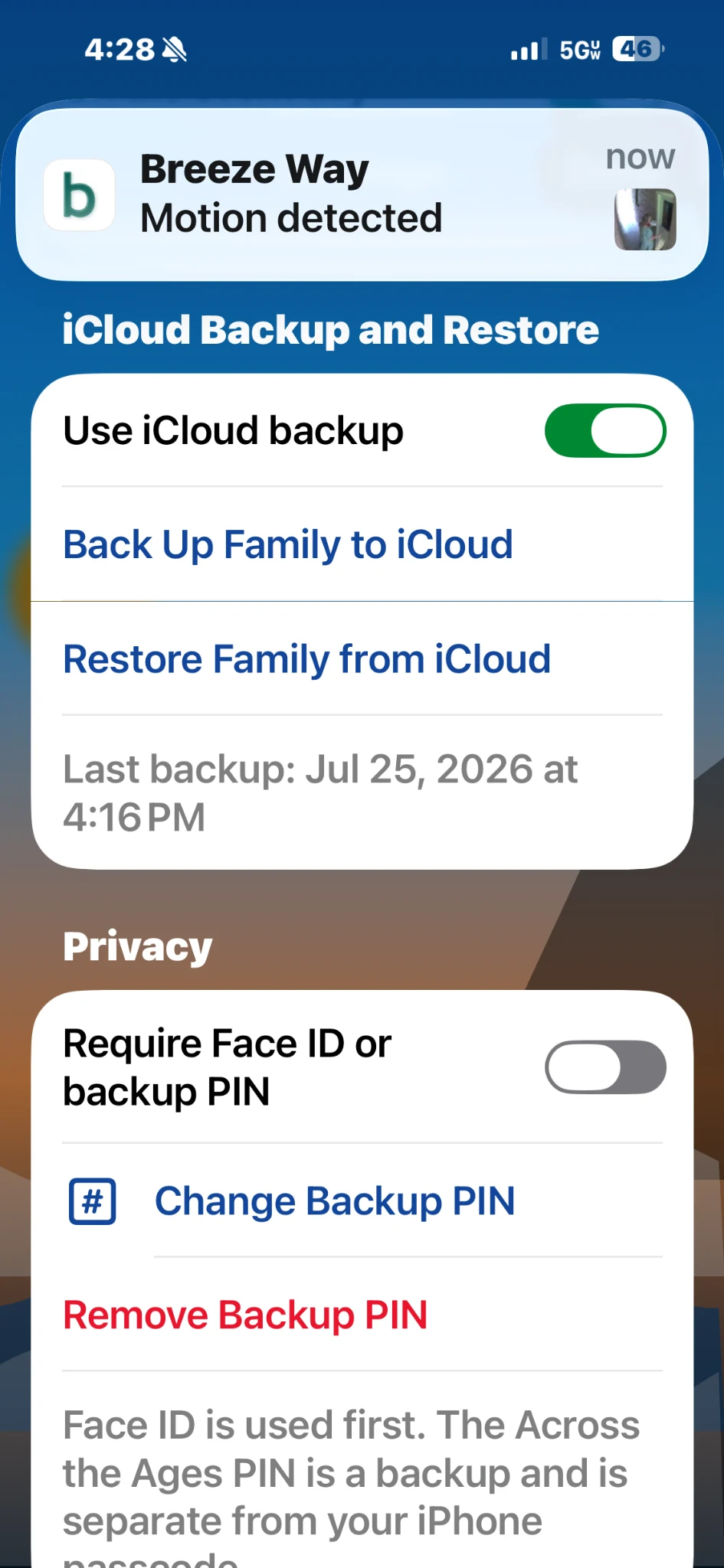
Use the iCloud section in Settings to create a restorable copy or bring your family information back to the device.
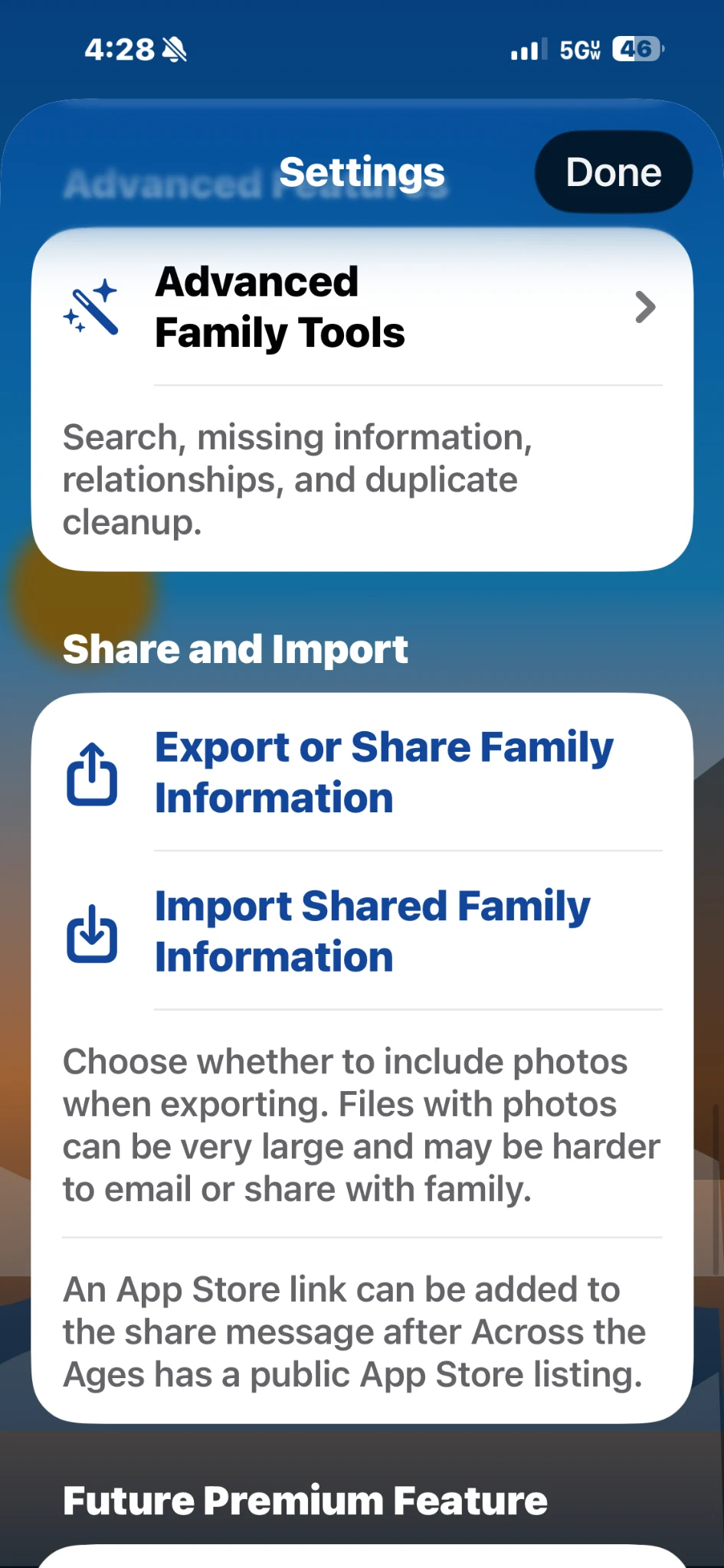
Export one family file, send it to a trusted relative, and have them import the same family information.
ADDING PEOPLE
ICLOUD BACKUP
IMPORT & EXPORT
TROUBLESHOOTING
Many issues can be resolved by confirming one setting or repeating one step.
Confirm Face ID is set up for the device, that Across the Ages has permission to request it, and that the app’s Face ID option is enabled. The device passcode or backup PIN may be available as a fallback.
Confirm the device is signed into iCloud, iCloud Drive is enabled, the app has the required iCloud capability in the current build, and a stable internet connection is available.
Keep the original export file, verify that it came from a compatible app version, and review the selected identity and relationships during import. Do not delete the existing family until the imported copy has been checked.
Open the photo details and review the year taken or the person’s age at the time. Older images and scanned photos may not contain a reliable capture date, so manual correction may be needed.
CONTACT SUPPORT
Include the screen you were using, what you expected to happen, and what happened instead. A screenshot can be helpful, but never send a family export file unless support specifically asks for it.